SmartAlex now works with Claude, ChatGPT, Codex and Cursor
Today we are releasing the SmartAlex plugin. Ask Claude, ChatGPT, Codex or Cursor in plain English and it builds your agents, calls your lists and tells you who to call back. Nothing that costs money or phones a person happens without your yes.
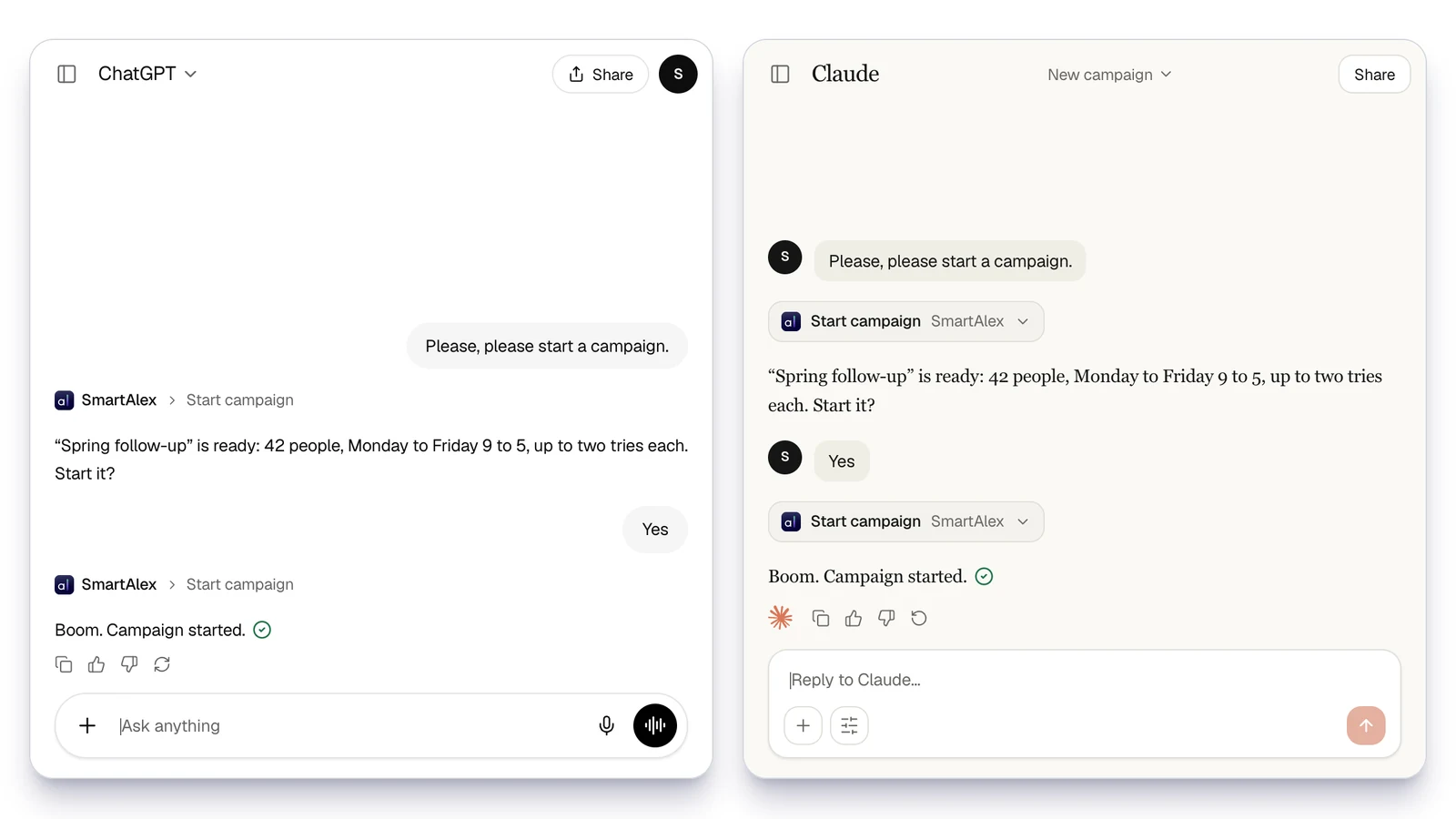
Running a phone team is a hundred small jobs, and most of them come down to the same few questions every single day. Who needs a call back. Which leads to try again. Whether last week's campaign was worth the money. Today you can hand those jobs to the AI you already use. We are releasing the SmartAlex plugin. It connects Claude, Claude Code, Codex and Cursor to your SmartAlex account, and it teaches them how to run it properly. ChatGPT connects to the same tools directly. You ask in plain English, and it does the work in your workspace and then tells you what it did.
- 80 Tools across agents, campaigns, calls, contacts, numbers and your team
- 11 Guides that teach the AI each job
- 19 Actions that wait for your yes
What you can ask it
- Set up an agent from my website and give it a test call. - Call my 10 newest leads and try each one 4 times. - Who do I need to call back today? - How did last week's campaign go? - Move my number to the new agent. - Invite Sarah as an admin. We're open 8 to 6 now.
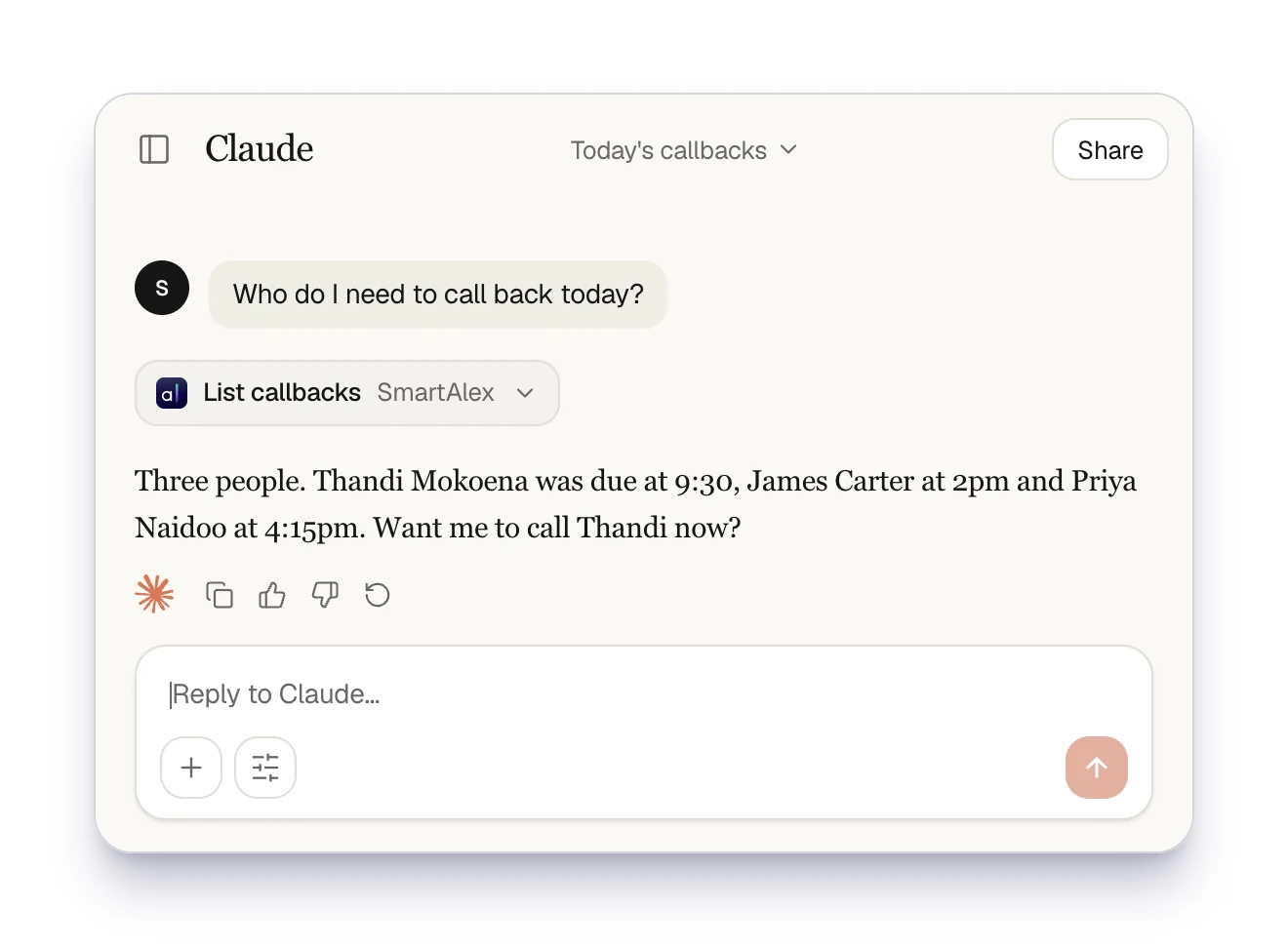
It picks sensible defaults the way the web app does, such as calling hours and the time between tries. Then it tells you what it chose. It only asks when it cannot guess, such as who to call. Developers get more. In Claude Code, Codex or Cursor it can add the SmartAlex widget to your website and connect your own API to an agent. It can also build a signed webhook, so your app hears about every call.
Nothing happens without your yes
An AI that can phone people and spend money needs a hard rule. We built that rule into SmartAlex itself, not into the chat, so it holds in every app. Anything that costs money, phones or emails a person, or deletes something comes back as a preview first. The preview says what will happen, what it costs, how many people will be phoned and whether it can be undone. Then it waits. It only runs after you say yes, and it runs once. When you buy a number, the price you approve is the price you pay. If it changes before you answer, you get a fresh preview. Telling it to just get on with it still gets you the preview. Every time. It also only sees what you can see. Nothing more. Your plan, your add-ons and your role decide which tools it gets, and SmartAlex checks again on every call. API keys never go through the chat, and call recordings are never shared through it.
Install it in two minutes
### Claude 1. In the Claude app or on claude.ai, open **Customize**, then **Plugins**. 2. Press **Add**, choose **Add marketplace** and paste **The-RCS-Group/smartalex-plugin**. 3. Install SmartAlex, open its **Connectors** tab and press **Connect**. 4. Approve the SmartAlex sign-in. That is it. Plugins need a paid Claude plan. Once SmartAlex is in your Claude account, it is in Claude Code too.
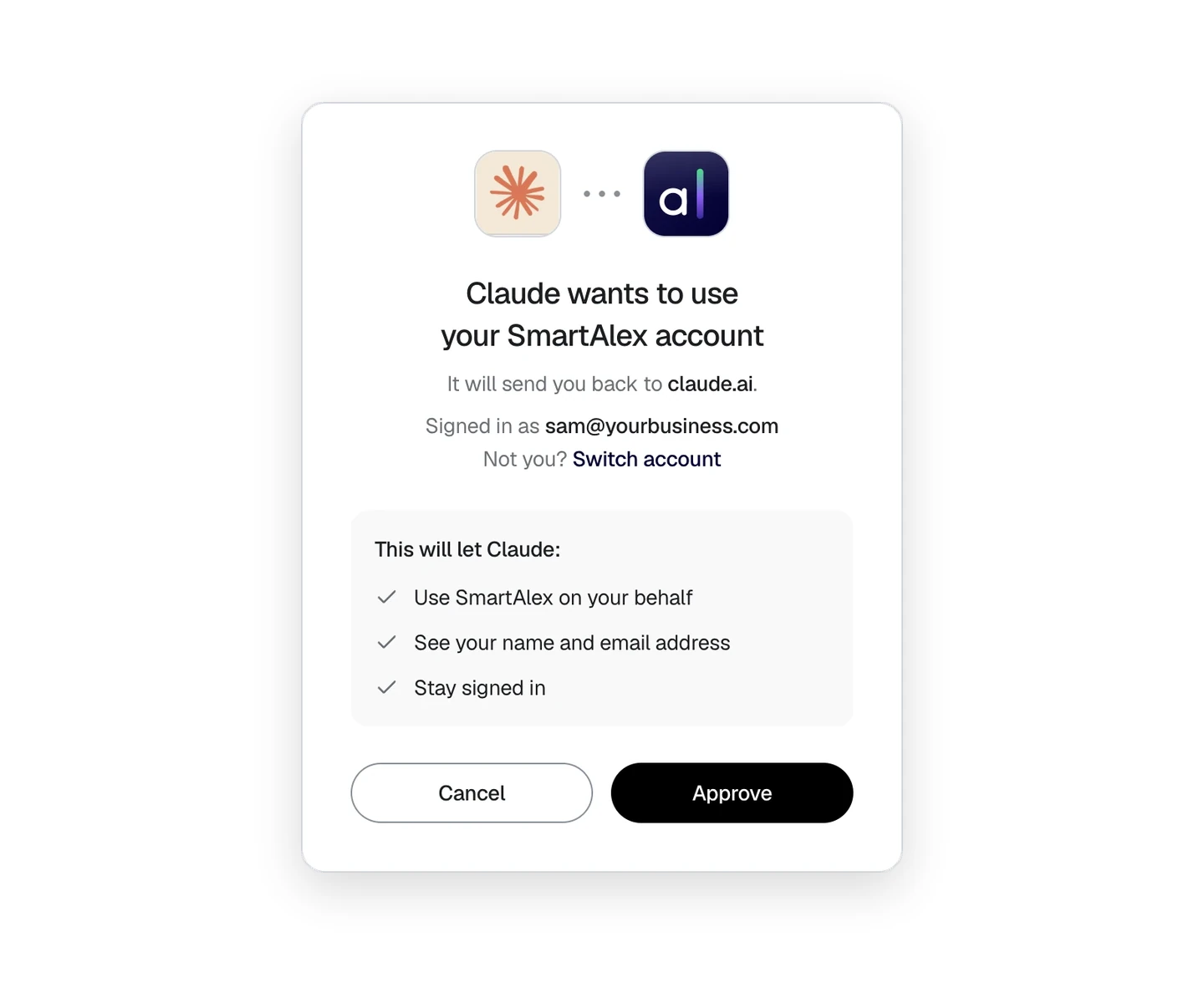
### ChatGPT 1. In ChatGPT on the web, open **Plugins**, press the plus button and choose **Add custom MCP server**. 2. Name it SmartAlex, paste **https://mcp.getsmartalex.com** and choose **OAuth**. 3. Tick **I understand and want to continue**, then press **Create as a plugin**. 4. Sign in to SmartAlex and press **Approve**, then install the plugin ChatGPT created. It needs a Business, Enterprise or Edu workspace, and Pro accounts can only read. ChatGPT gets every tool without the plugin's guides. ### Claude Code, Codex or Cursor Paste this one sentence and the agent does the rest: > Set up the SmartAlex plugin by following the steps in https://github.com/The-RCS-Group/smartalex-plugin The full guide, with screenshots, is at [getsmartalex.com/plugin](/plugin).
How we test it
We test the plugin by sending automated customers through every part of it, on five different AI assistants from Claude Code to Cursor. Each one is given a job and a personality, and two separate AI judges read every conversation. They check each claim it makes against the state of the workspace before the conversation started and after it ended. Done has to mean done. Bouchaib Chraf on our team built the plugin and the tests that check it. If you already use SmartAlex, install it and ask who you need to call back today. If you do not, [start free](https://getsmartalex.com/signup) and ask it to build your first agent from your website.